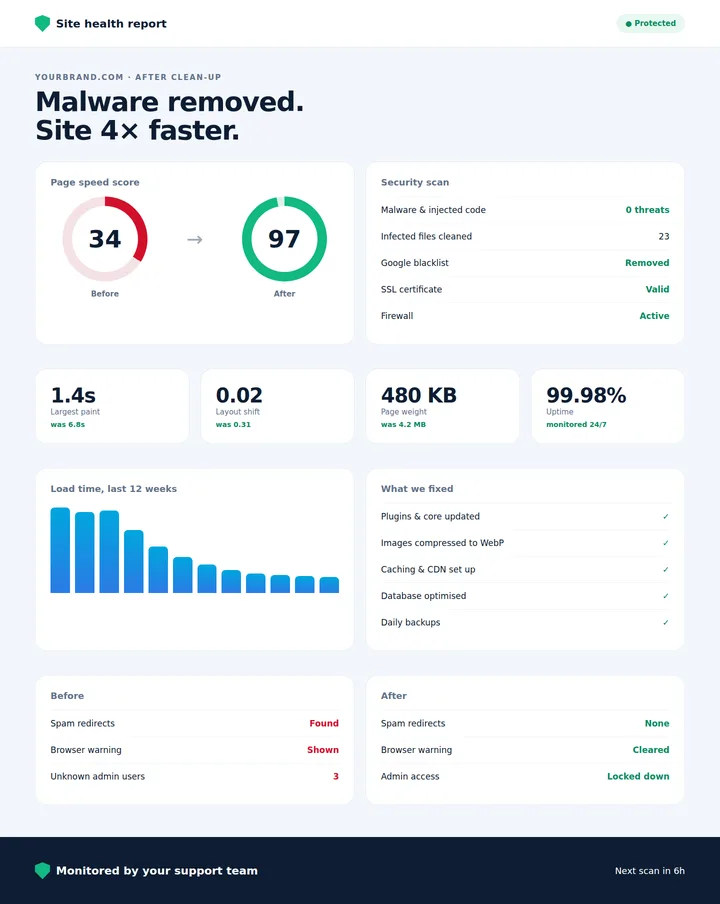
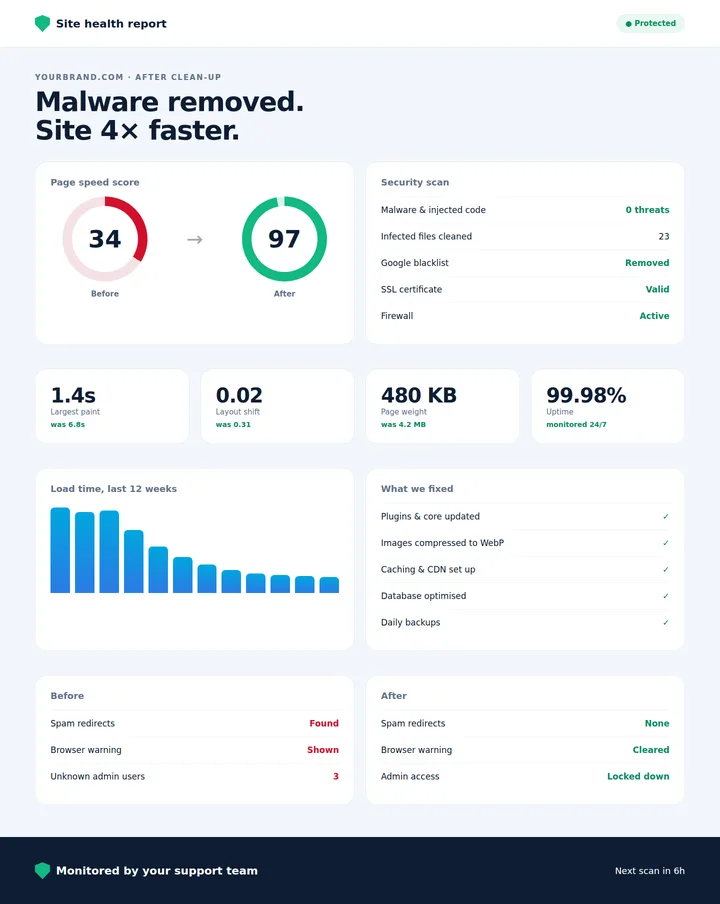
A hacked or slow website quietly costs you money. Visitors leave, Google lowers your rankings and ads send people to a page that doesn’t load. The good news: most problems show clear warning signs.
7 warning signs
- Visitors are redirected to spam or unknown websites.
- Google or the browser shows a “this site may harm your computer” warning.
- You see admin users or files you don’t recognise.
- Strange pages or keywords appear in Google search results for your site.
- Your hosting provider suspends the site or reports unusual activity.
- Pages take more than 3 seconds to load on mobile.
- Your site fails Google’s Core Web Vitals in Search Console.
What to do if you think you’re hacked
Don’t delete things at random. Take a full backup first, change all passwords, and get a proper malware scan. The infection needs to be removed and the entry point fixed, or it will come back. If Google has flagged the site, a review request is needed once it is clean.
How to make a slow site fast
Most speed problems come from oversized images, too many plugins, heavy page builders and missing caching. Converting images to WebP, adding caching and a CDN, and removing unused scripts often cuts load time by more than half without a redesign.
Prevention
Keep your CMS, themes and plugins updated, use strong passwords, add a firewall and take regular backups. A small monthly maintenance plan is far cheaper than a clean-up.
Worried about your site? Get a free website audit or see our security and speed service.
Talk to our team for a free strategy call or website audit.